

1
Create a connection
Click + New Connection at the top of the sidebar, choose a database type (for example PostgreSQL), and fill in the host, port, database, username, and password. For SQLite, just pick the 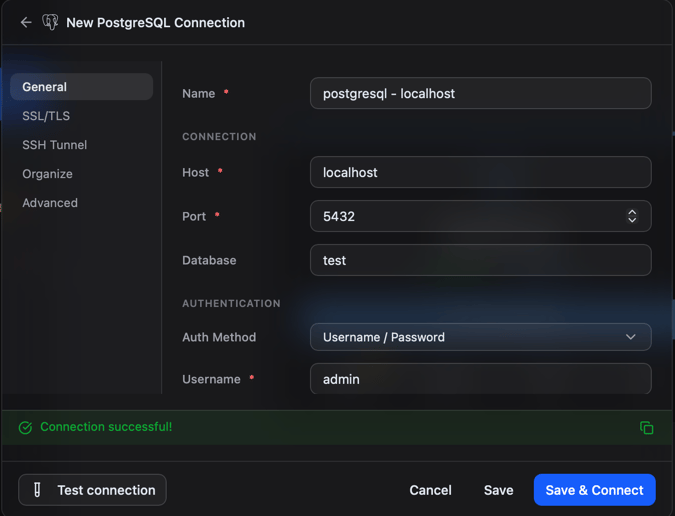
.db file.Click Test to verify, then Save.2
Open a table
In the sidebar, expand your connection, expand a database, and click a table. It opens as a tab and rows load into the grid.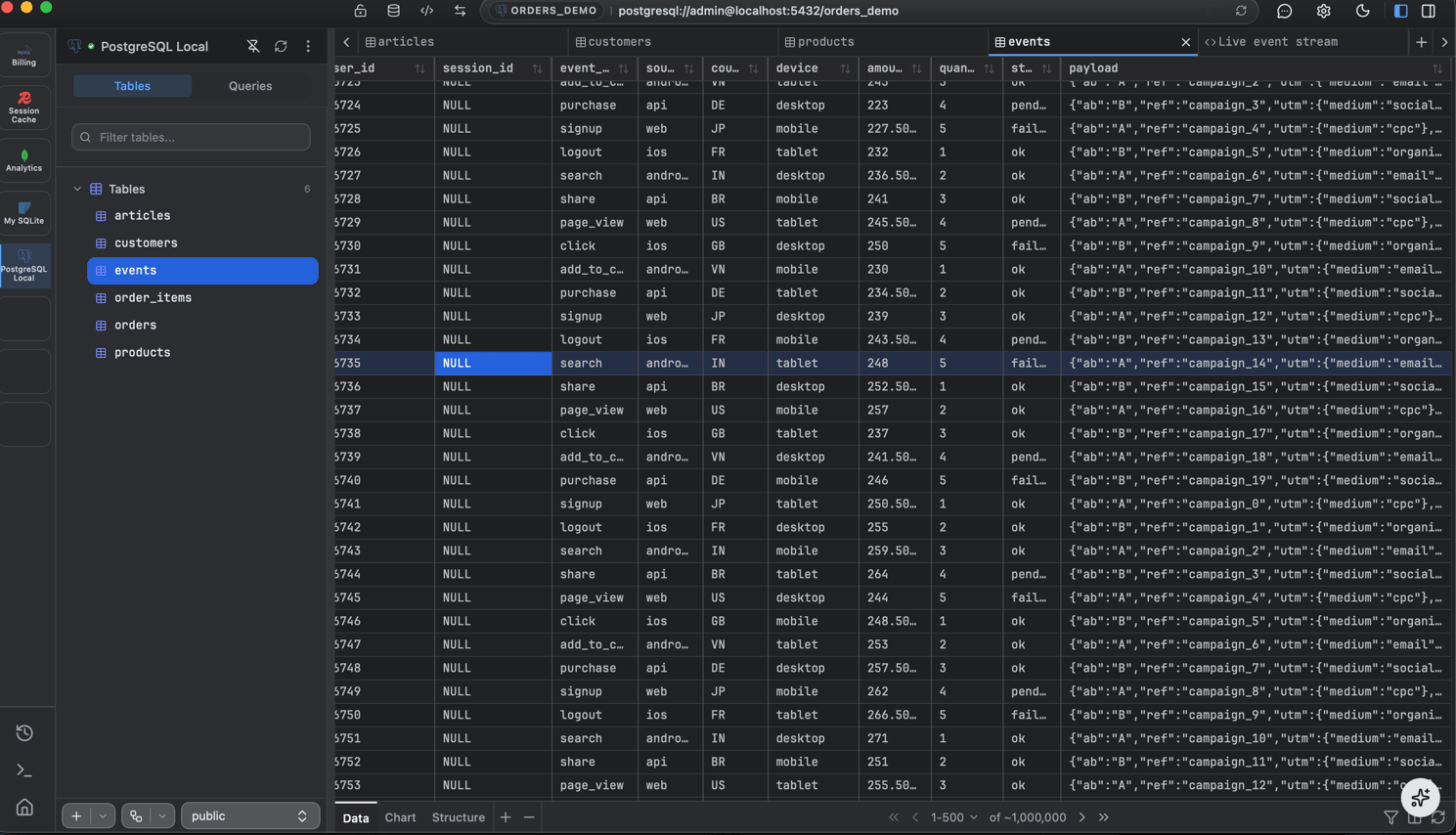
3
Run a query
Click + in the tab bar and choose New Query. Type a statement (autocomplete suggests tables and columns as you type):Press Cmd/Ctrl + Enter to run. Results appear in the grid below.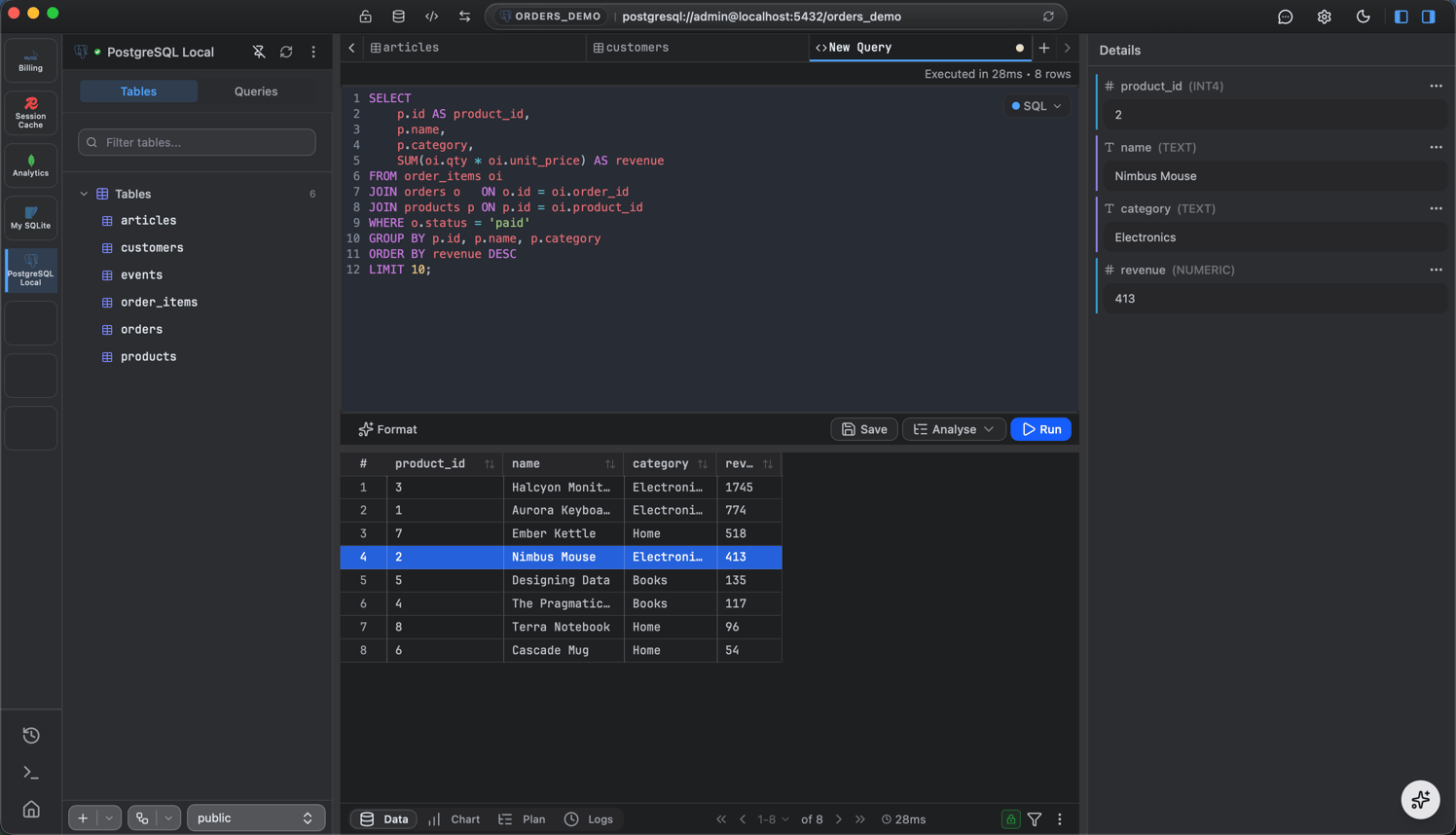
4
Visualize (optional)
Switch the result from Table to Chart to see it as a bar, line, or pie chart.
Where to next
Connect to a database
Per-engine connection details.
Browse and edit data
Filter, sort, inspect, and edit rows.
Query editor
Autocomplete, results, export, charts.
Import and export
Move data in and out.